Klonify

TIKTOK SHOP CHECKER

TikTok Shop rules: check your script before you make your video.

TikTok Shop rules: check your script before you create your video.

TikTok Shop rules: check your script before you create your video.

Paste your script: the Klonify checker reads every sentence and flags claims that go too far, like a health claim or a price you can't back up. You fix the text before generating the video.

Paste your script: the Klonify checker reads every sentence and flags claims that go too far, like a health promise or a price you can't prove. You fix the text before you generate the video.

TikTok Shop Checker

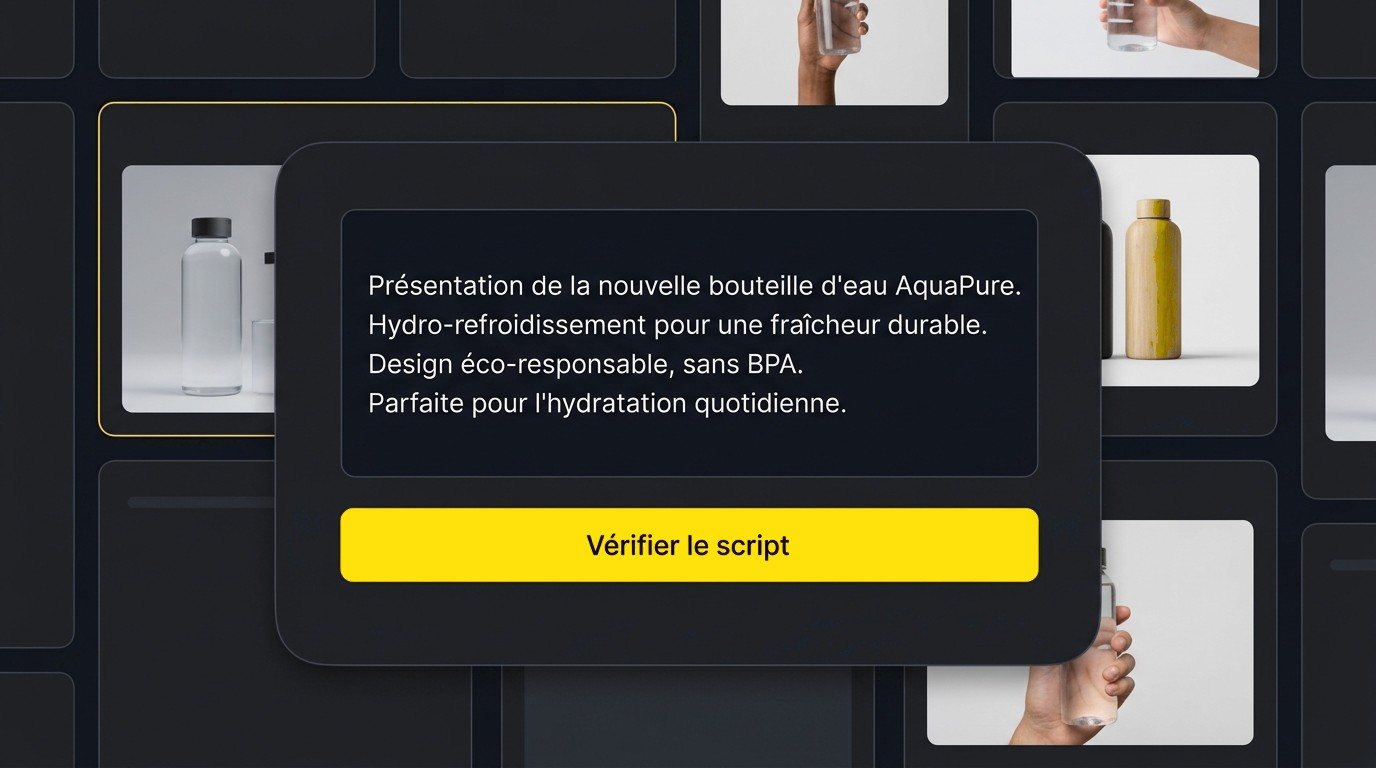
Klonify's TikTok Shop product checker interface

Five sentences from a water bottle script: three approved, one health claim to fix, and one price to check.

What does a TikTok Shop rules checker do?

TikTok Shop rules require accurate, verifiable claims and ban saying a product cures a disease. Klonify, the French tool that generates sales videos for TikTok Shop, has a checker that reads your script and flags sentences to fix. It's a proofreading aid, not an official TikTok approval.

Lines to fix stand out, no need to reread every rule

The official rules are spread across several TikTok Shop Academy pages: health, claims, AI content, unoriginal content. The checker reviews your script and points you straight to the lines in question, every time you write a new one.

Catch the claim you missed

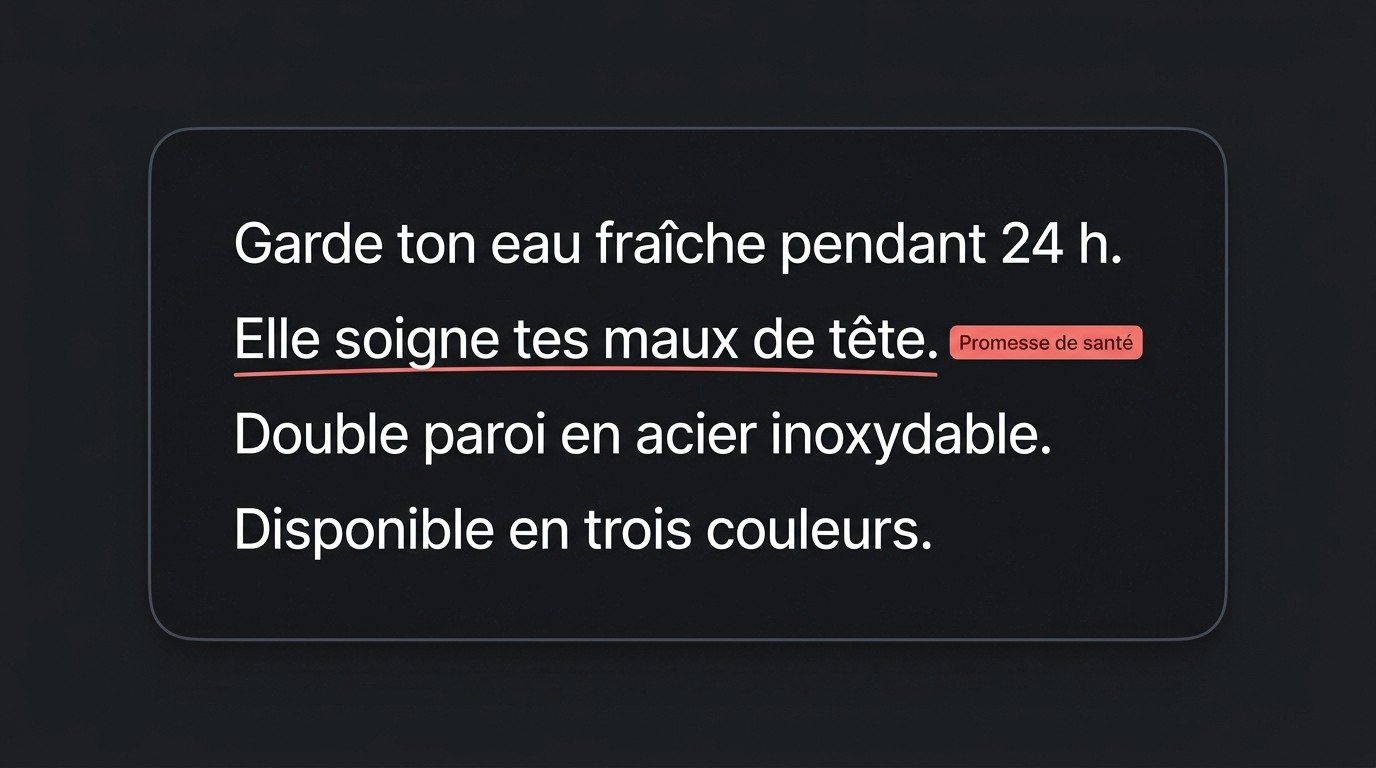
"It cures your headaches" sounds natural when you're writing. But it's a health claim. The checker highlights it and shows the reason right next to it, while it's still easy to fix in a few words.

Fix your script before you generate the video

Changing a line after generating means redoing the whole video. Before you generate, swap the claim for what the product really does, and your selling point stays intact.

YOUR SCRIPT

Paste your script and run the check.

Paste your script and run the check.

Paste your script and run the check.

Whether you wrote it yourself or got it from the script generator, every sentence gets reviewed before you create the video.

2 credits per check, and no credits used on the Ultra plan.

Water bottle script pasted into the TikTok Shop rules checker, with the Check script button

See which sentences to fix, and why.

See the sentences to fix and why.

“It cures your headaches” is underlined with the “Health claim” tag. Factual sentences, like the double-wall design, stay untouched.

The sentence “It cures your headaches” underlined in red with the Health claim tag
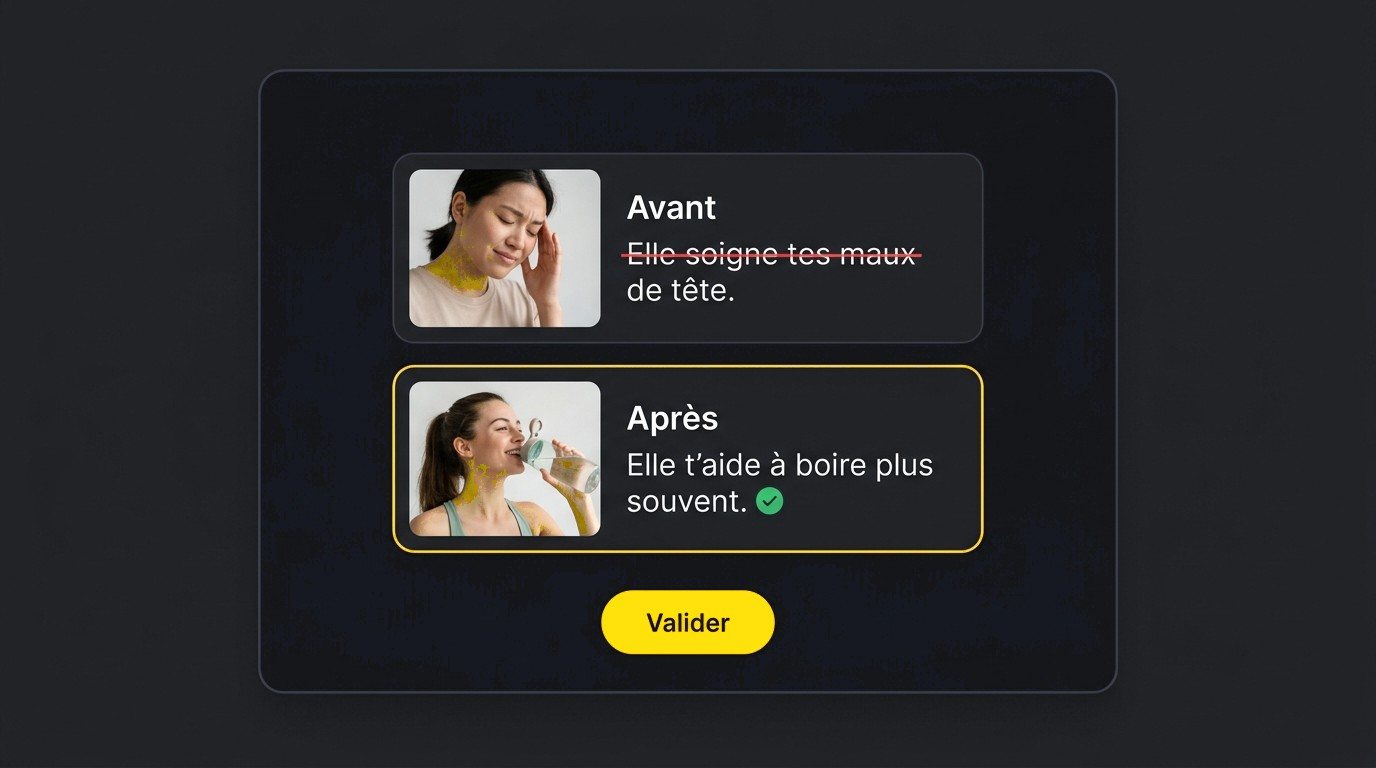
Before and after: the health claim crossed out and replaced with “It helps you drink more often”

Rewrite the flagged sentence, then approve.

Rewrite the flagged sentence, then approve.

Before: “It cures your headaches.” After: “It helps you drink more often.” The health claim is gone, and the bottle's real use stays.

Comparison

Checking TikTok Shop rules yourself vs. with the Klonify checker

TikTok Shop rules are public and free, in the Policy Center of TikTok Shop Academy. They're the official reference, and they cover the whole video. Applying them on your own means comparing every sentence in your script against several pages. The Klonify checker does that review on the text, without replacing the official rules.

Klonify compared to Manual review
CriteriaKlonifyManual review
Starting pointYour script pasted into the checkerThe Policy Center pages in TikTok Shop Academy
ReviewEvery sentence reviewed by the toolEvery sentence checked against the rules by you
Sentences to fixFlagged in your text, with the reason right next to itUp to you to spot
FixingBefore and after side by side, then approvalRewriting on your own
What's coveredThe text of your scriptThe whole video: spoken lines, visuals, on-screen text, AI use
Official statusA proofreading aid, not a TikTok approvalTikTok's own text, the official reference
Cost2 credits, plans from €19/month (no credits used on Ultra)Free

Who's it for?

Read the official rules at least once: they're free, they're the official reference, and they also cover visuals and AI use. Use the Klonify checker for every new script: it reviews the text sentence by sentence before generation, so you fix a word instead of remaking a video.

Comparison made on 09/16/2026 based on official TikTok Shop Academy pages.

Comparison

Checking TikTok Shop rules yourself vs. with the Klonify checker

TikTok Shop rules are public and free, in the Policy Center of TikTok Shop Academy. They're the official reference, and they cover the whole video. Applying them on your own means comparing every sentence in your script against several pages. The Klonify checker does that review on the text, without replacing the official rules.

Klonify compared to Manual review
CriteriaKlonifyManual review
Starting pointYour script, pasted into the checkerThe TikTok Shop Academy Policy Center pages
ReviewEvery sentence reviewed by the toolEvery sentence checked against the rules by you
Sentences to fixFlagged in your text, with the reason next to themYou spot them yourself
FixesBefore and after side by side, then you approveYou rewrite it yourself
What's coveredYour script's textThe whole video: speech, visuals, on-screen text, AI use
Official standingA review aid, not approved by TikTokTikTok's own text, which has the final word
Cost2 credits, plans from €19/month (no credits used on Ultra)Free

Who's it for?

Read the official rules at least once: they're free, they're the official reference, and they also cover visuals and AI use. Use the Klonify checker for every new script: it reviews the text sentence by sentence before generation, so you fix a word instead of remaking a video.

Comparison made on 09/16/2026 based on official TikTok Shop Academy pages.

Comparison

Checking TikTok Shop rules yourself vs. with the Klonify checker

TikTok Shop rules are public and free, in the Policy Center of TikTok Shop Academy. They're the official reference, and they cover the whole video. Applying them on your own means comparing every sentence in your script against several pages. The Klonify checker does that review on the text, without replacing the official rules.

Klonify compared to Manual review
CriteriaKlonifyManual review
Starting pointYour script, pasted into the checkerThe TikTok Shop Academy Policy Center pages
ReviewEvery sentence reviewed by the toolEvery sentence checked against the rules by you
Sentences to fixFlagged in your text, with the reason next to themYou spot them yourself
FixingBefore and after side by side, then approveRewriting on your own
What's coveredYour script's textThe whole video: speech, visuals, on-screen text, AI use
Official standingA review aid, not approved by TikTokTikTok's own text, which has the final word
Cost2 credits, plans from €19/month (no credits used on Ultra)Free

Who's it for?

Read the official rules at least once: they're free, they're the official reference, and they also cover visuals and AI use. Use the Klonify checker for every new script: it reviews the text sentence by sentence before generation, so you fix a word instead of remaking a video.

Comparison made on 09/16/2026 based on official TikTok Shop Academy pages.

Which sentences should you check before posting your video?

Which lines should you check before posting your video?

Which sentences should you check before posting your video?

TikTok Shop rules regulate three types of sentences: health claims, prices and promotions, and comparisons. Here's how to rewrite them around what the product really does.

A health, beauty, or wellness product

The rules don't allow saying a product cures, heals, treats, or prevents a disease. Talk about how it's used: "it helps you drink water more often" instead of "it cures your headaches."

A video with a price or a deal

Misleading prices and fake deal deadlines aren't allowed, and neither is comparing your price to other sellers'. Swap "the lowest price in the US" for the listed price or the actual discount.

A product vs. a competitor

A TikTok Shop video doesn't compare the product to another one. Highlight its own features, the ones you can verify on its listing: "double-walled, 750 ml, three colors."

See the details in Klonify.

Get the full details in Klonify.

Get the details in Klonify.

How it works

From product to TikTok Shop video in 3 steps.

Sign up free
Step 1: Add the product you want to feature.

STEP 1

Add the product you want to feature.

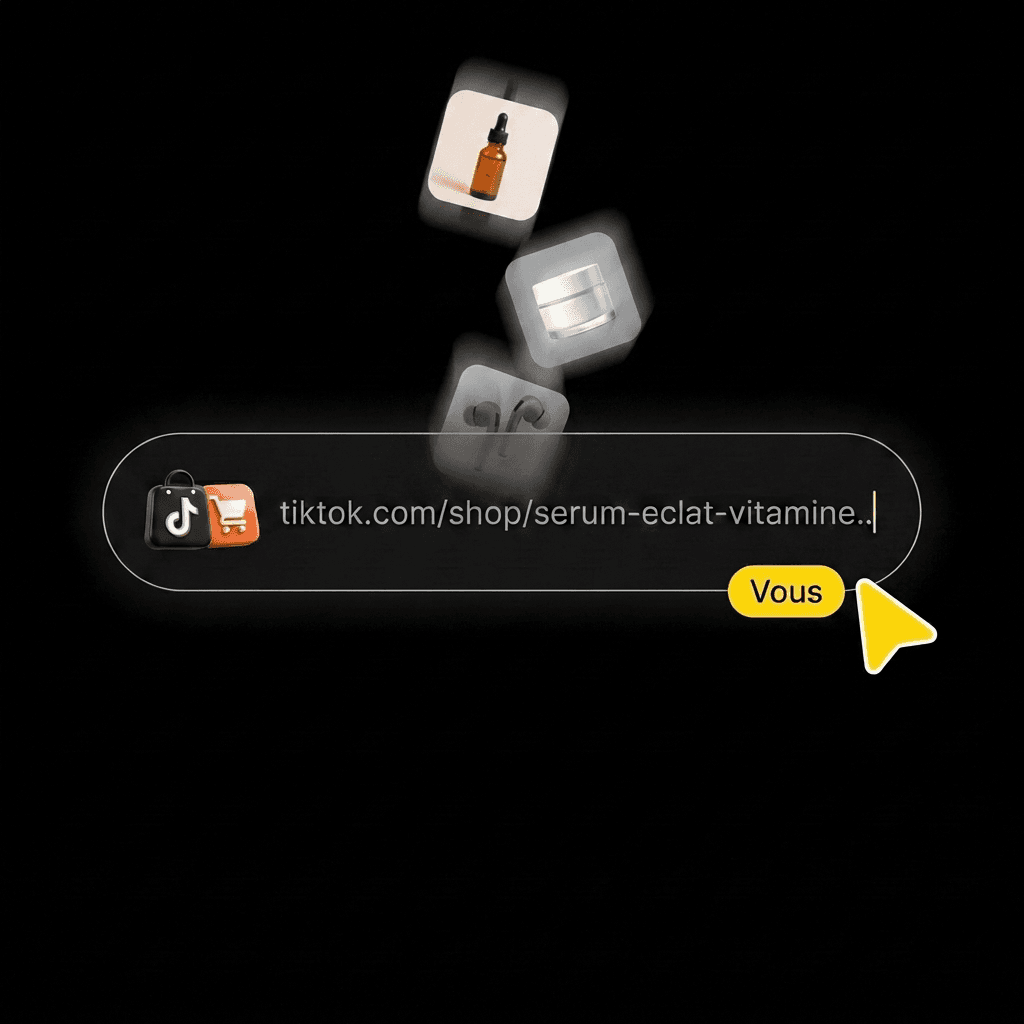
Paste its TikTok Shop link, upload a photo, or find it in your library.
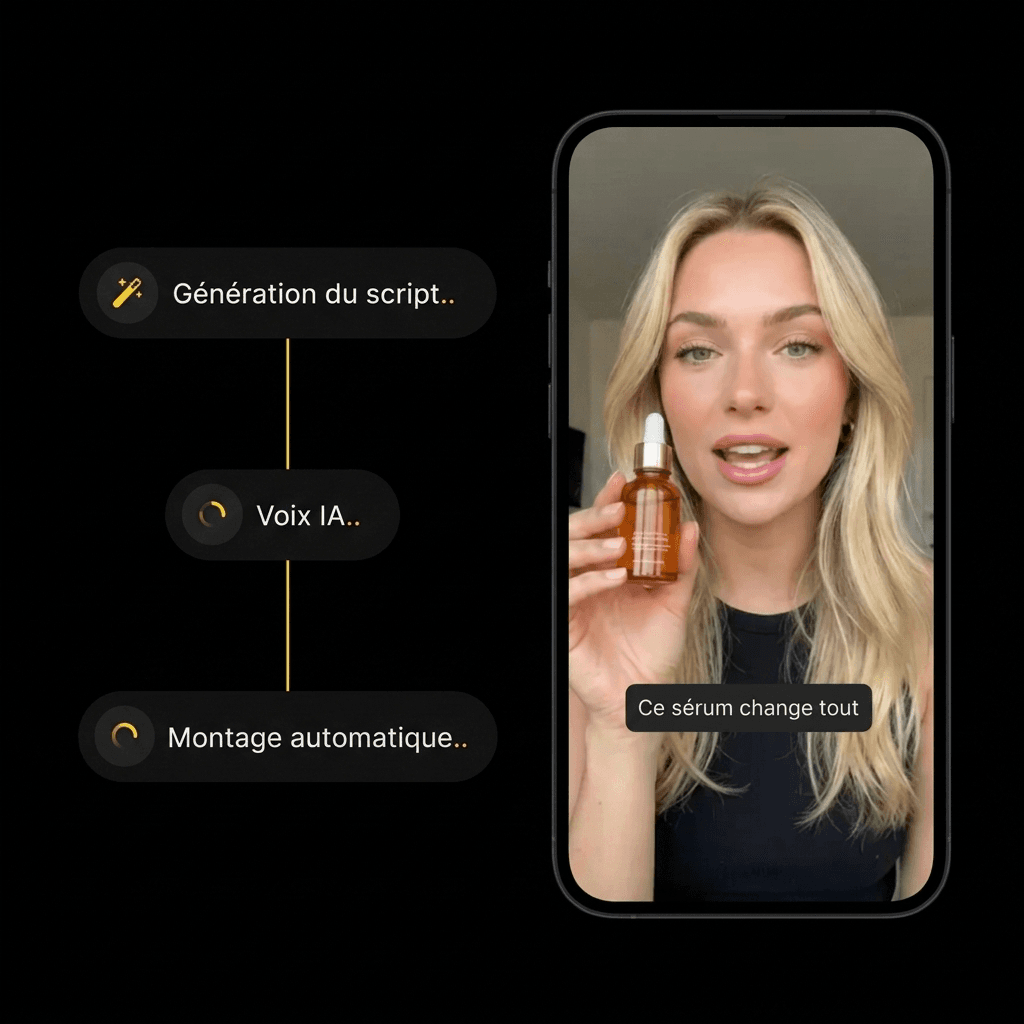
Step 2: Create your video with AI.

STEP 2

Create your video with AI.

Pick an AI influencer and a scene. Hit generate, then watch the result.
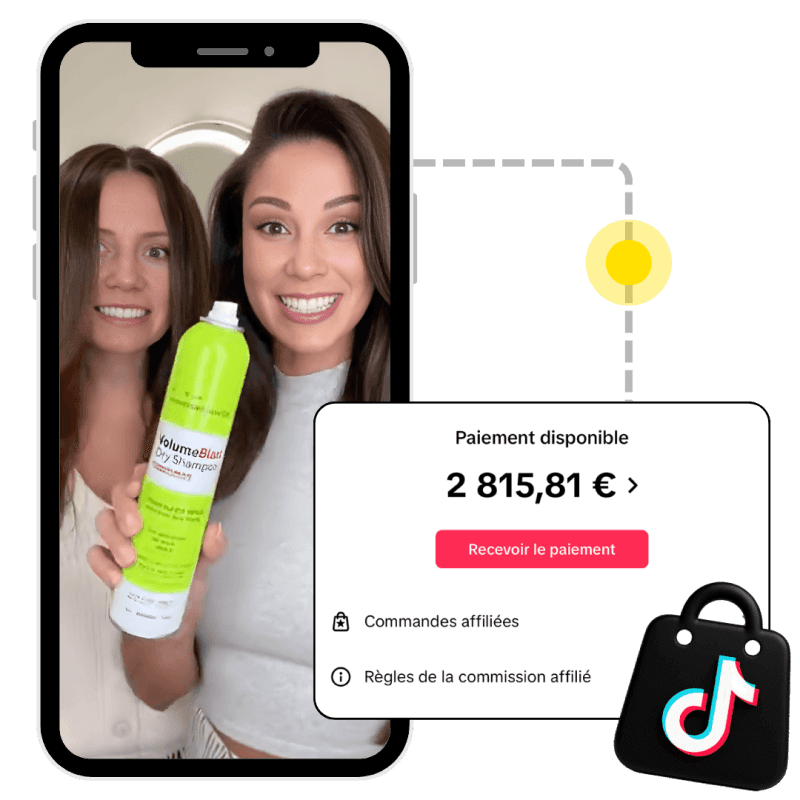
Step 3: Post your video with the product linked.

STEP 3

Post your video with the product linked.

Someone buys the product from your video, and the brand pays you your commission.

Frequently asked questions

Frequently asked questions

Frequently asked questions

Official rules, health claims, comparisons, your account: get answers before you check your script.

What are TikTok Shop's rules for videos?

Is the checker an official TikTok tool?

Can you say a product heals on TikTok Shop?

Can you compare your product to another one on TikTok Shop?

Does a checked script guarantee my video will be approved?

Can I check a script written somewhere else?

What if I don't understand a flagged line?

Does the checker also review my TikTok Shop account?

Get the details in Klonify.

Get the full details in Klonify.

Get the details in Klonify.

Tools that work with your script

Tools that work with your script

Tools that work with your script

AI TikTok Shop Script Generator

Explore →

AI Voice Generator

Explore →

AI TikTok Shop Generator

Explore →

Get the details in Klonify.

Get the full details in Klonify.

Get the details in Klonify.

The Klonify solution

Your scripts reviewed line by line, before you generate your video.

Paste your script: claims to fix pop up with the reason why. Swap them for what the product really does, then move on to voice and video.

Sign up for free

Free sign-up

2,700+Active creators
€2M+In sales generated on TikTok Shop
5 minFor a video ready to post