

STEP 1
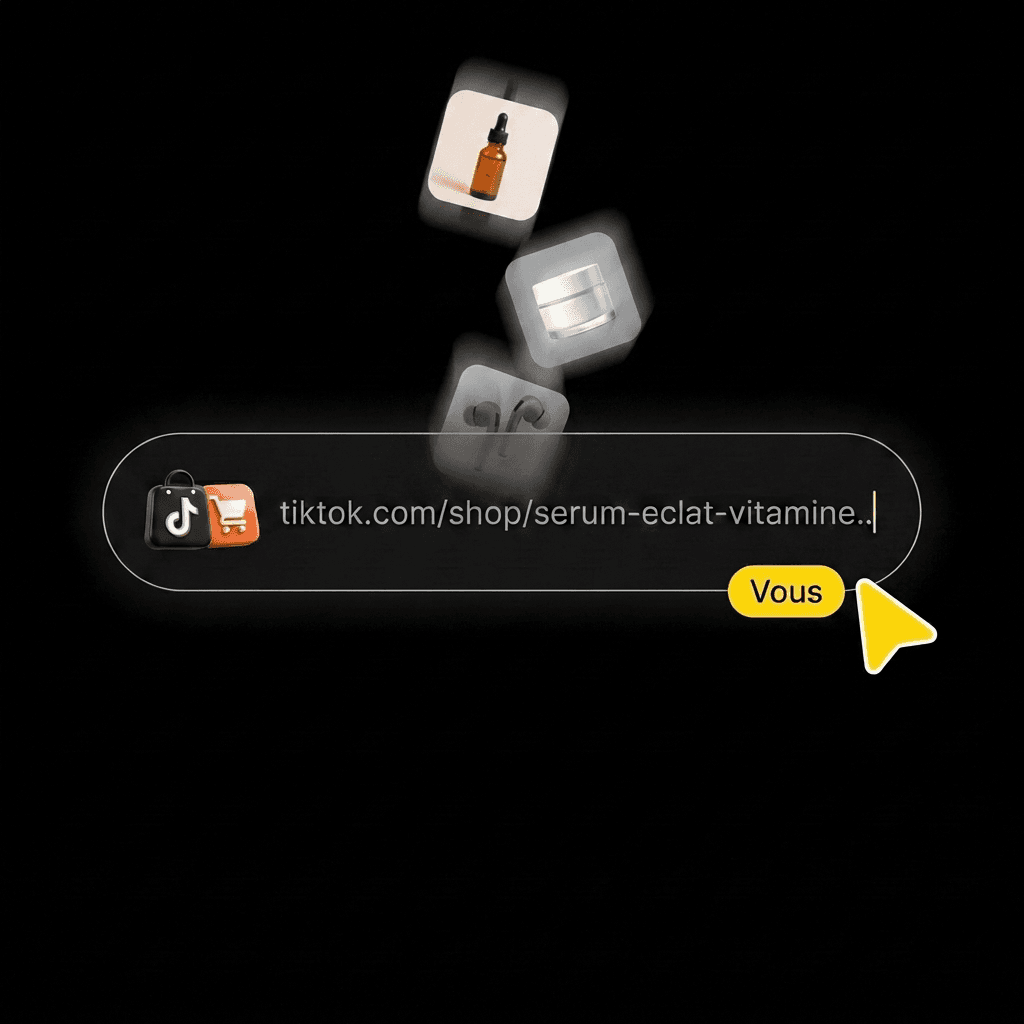
Add the product you're promoting.
Paste its TikTok Shop link, upload a photo, or pick it from your library.
AI TIKTOK VIDEO CLONING
AI TikTok Video Cloning

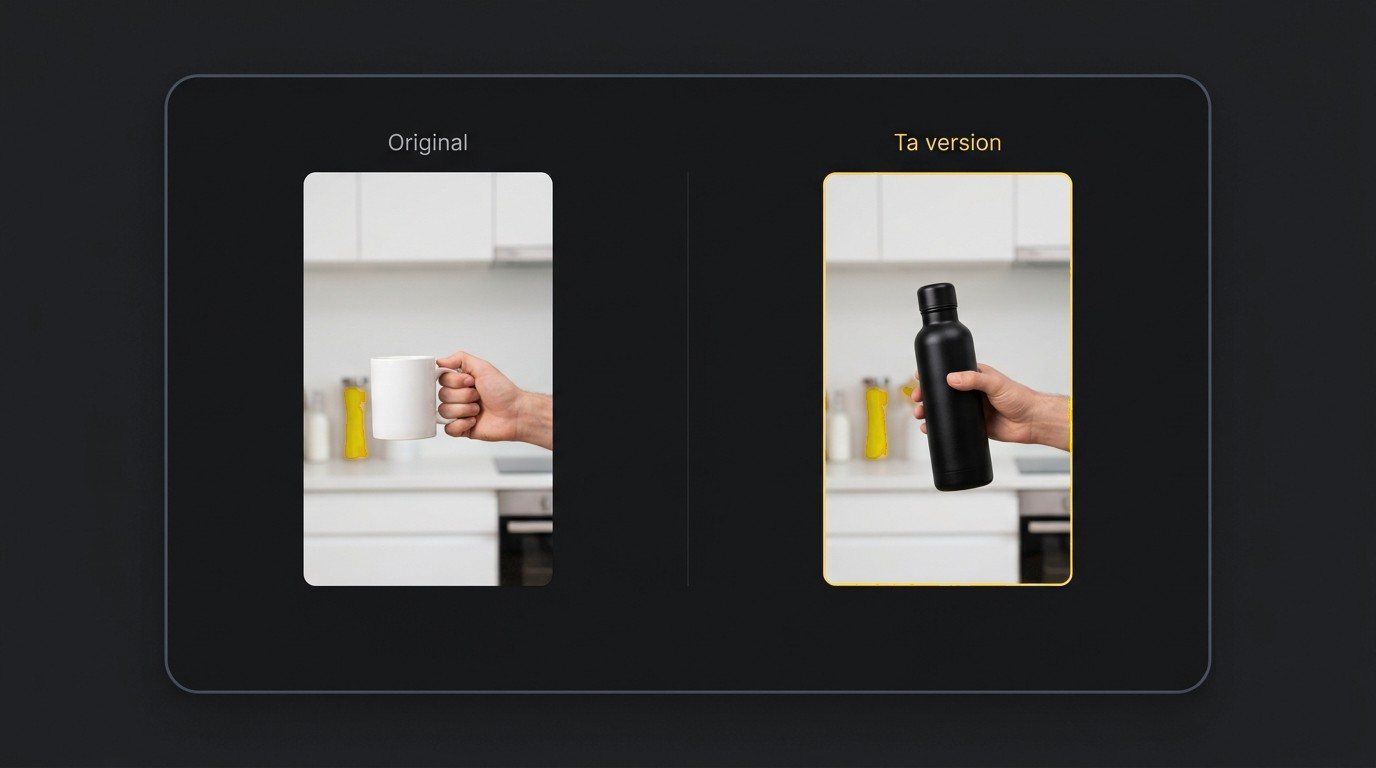
On the left, a gallery video featuring a mug. On the right, the same scene with a water bottle and a different AI influencer.
Recreating a TikTok video means taking the setup of an existing video and using it to generate a new one. Klonify, a French tool that creates sales videos for TikTok Shop, does it right from its gallery: click Recreate, and your AI influencer acts out the scene with your product. Included from the Pro plan, at €39/month.
Writing a prompt that spells out a scene's framing, gestures, and pacing takes time, and one missed detail changes the result. Here, you start from a scene you like and only say what your version needs to communicate.
Remaking a video you love usually takes a set, a camera, and someone in front of the lens. Your AI influencer steps in for the person in the original video and presents your product.
TikTok Shop doesn't allow reposting another creator's video with only minor changes. Klonify generates a new video. It's up to you to add how the product is really used, your message, and an answer to a shopper's question.
THE REFERENCE VIDEO
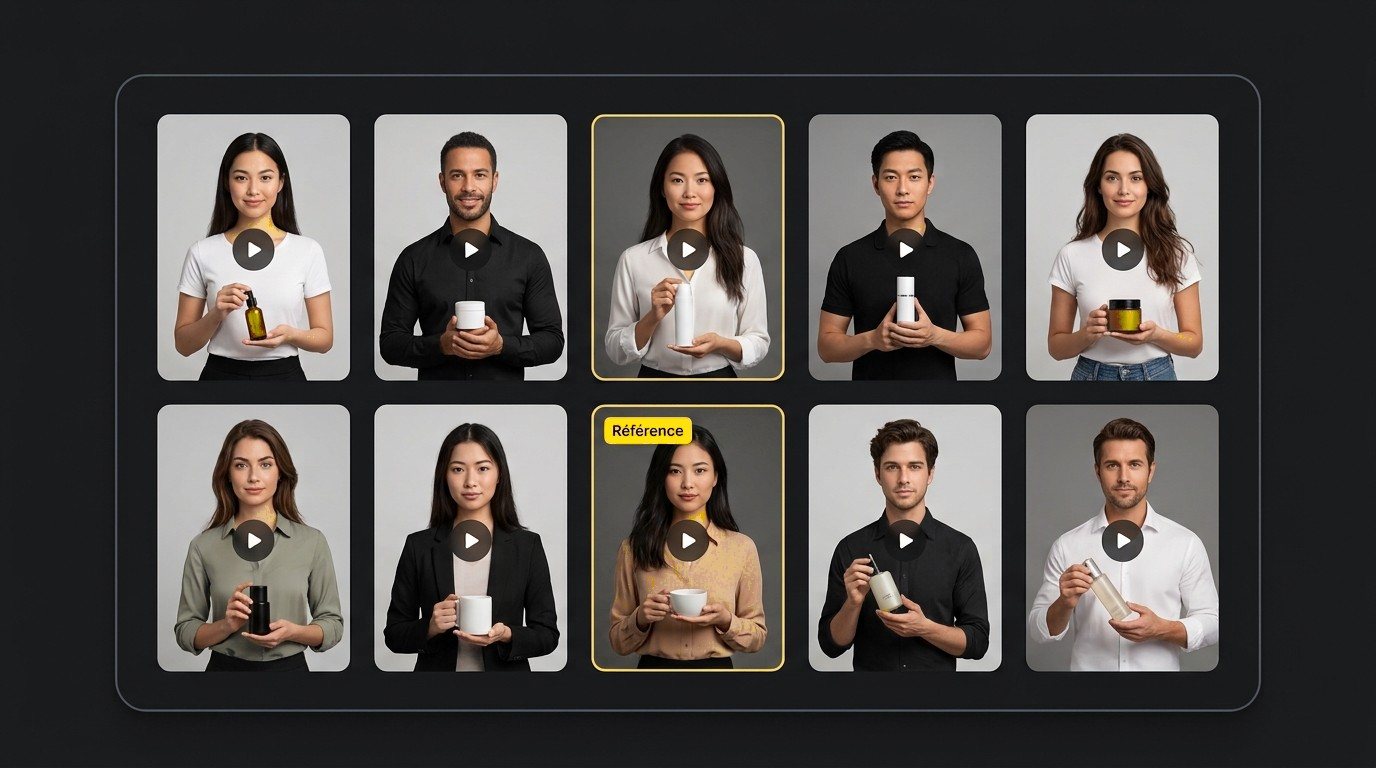
Browse the Klonify gallery: demos, product unboxings, talking to camera. Open the setup closest to how your product is used.
The pacing, framing and gestures stay the same. Only the product changes.
Klonify keeps the scene and puts your product in place of the one from the original video.
Same pose, same framing, with your AI influencer on screen. Custom influencers: 3 on the Pro plan, unlimited on Ultra.
Pick a reference where the action fits your product, then change what the video says. Here are three real examples, plus the one rule to keep in mind.
The original video shows a simple gesture with a different item. Your version repeats the gesture with your product and explains how it makes everyday life easier.
Your AI influencer matches the pose and framing, then presents the product with the detail shoppers care about: its size, what's inside, or how to use it.
Start from two different reference videos to test two angles. Avoid near-identical videos: TikTok Shop treats posting them in bulk as spam.
How it works
STEP 1
Paste its TikTok Shop link, upload a photo, or pick it from your library.
STEP 2
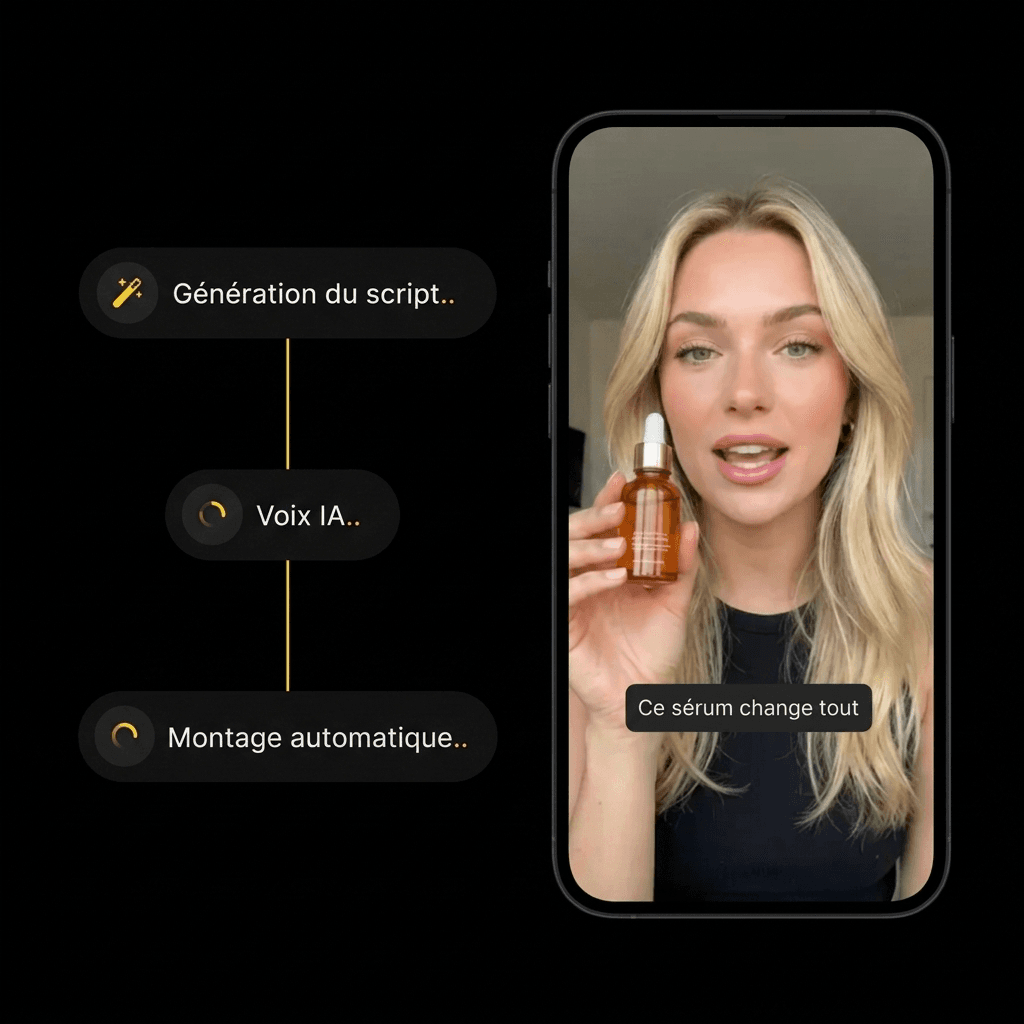
Pick an AI influencer and a scene. Hit generate, then check out the result.
STEP 3
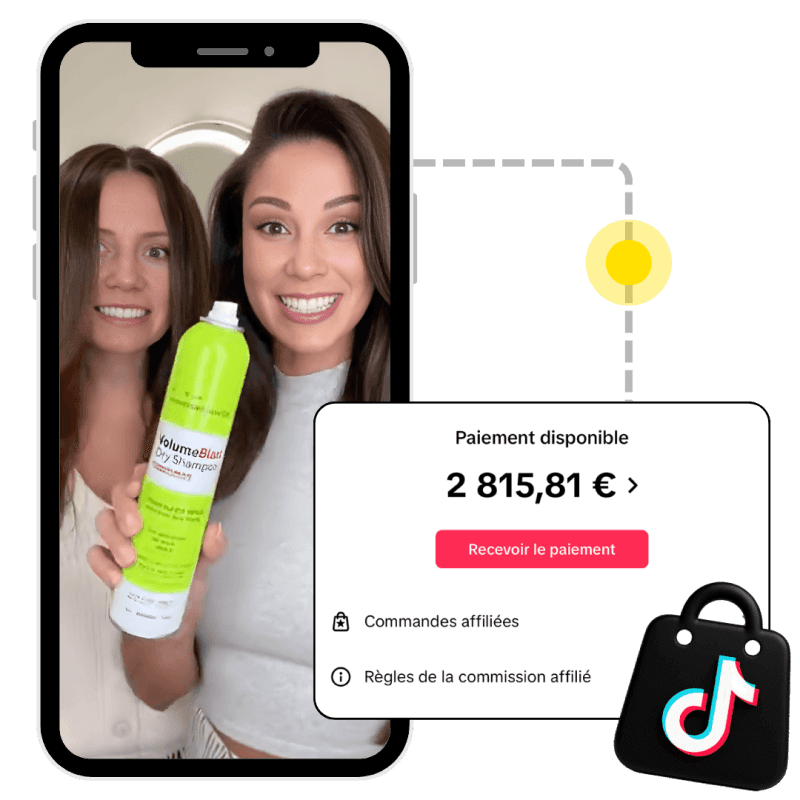
Someone buys the product from your video, and the brand pays you your commission.
Copying, TikTok Shop rules, plans, AI influencers: answers before you recreate a video.
Can you copy or recreate a TikTok video for TikTok Shop?
Does Klonify copy every shot exactly?
Which plan includes video cloning?
Where do I start if I don't have a reference?
Can I use my own AI influencer?
Is this the same as downloading a TikTok video?
Do I need to label a recreated video as AI-generated?

The Klonify solution
Your AI influencer reenacts the scene with the product you're promoting and your message. Included starting with the Pro plan at €39/month.
Sign up freeFree sign-up