Klonify

AI VIDEO PROMPT GENERATOR

AI video prompt generator: write your idea, and the AI knows what to film.

AI video prompt generator: write your idea, the AI knows what to film.

AI video prompt generator: write your idea, the AI knows what to film.

Describe the video you want in your own words. Klonify turns it into a prompt, the detailed instructions the video AI reads: setting, camera movement, and lighting, ready to paste into your generation.

Describe the video you want in your own words. Klonify turns it into a prompt, the detailed instructions the video AI reads: setting, camera movement and lighting, ready to paste into your generation.

From idea to video shot

Klonify interface: AI video prompt generator

“Show the water bottle on a desk in the morning” becomes a setting, a slow tracking shot, and soft lighting, then a video.

What is an AI video prompt generator?

An AI video prompt generator turns a short idea into detailed instructions for a video AI: setting, action, framing, camera, and lighting. Klonify's version, from the French tool that creates sales videos for TikTok Shop, starts from one sentence, a style, and a format. Each prompt costs 2 credits, on plans from €19/month.

Write your idea in everyday words

You write "show the water bottle on a desk in the morning." Klonify adds the shot directions: "light wood desk, bottle in the foreground," "slow dolly toward the bottle," "soft morning light." No film jargon to learn before you start.

The AI no longer has to guess your scene

A vague idea lets the AI pick the setting, framing, and action for you. The prompt spells them out before video generation, which uses credits: you lock in the scene before you hit generate.

Style and format chosen up front

UGC (user-generated content) video, cinematic shot, or product showcase, in 9:16, 1:1, or 16:9: the prompt is written for that style and frame before the video even exists.

YOUR IDEA

Write your idea just as it comes.

Write your idea as it comes to you.

Write your idea as it comes to you.

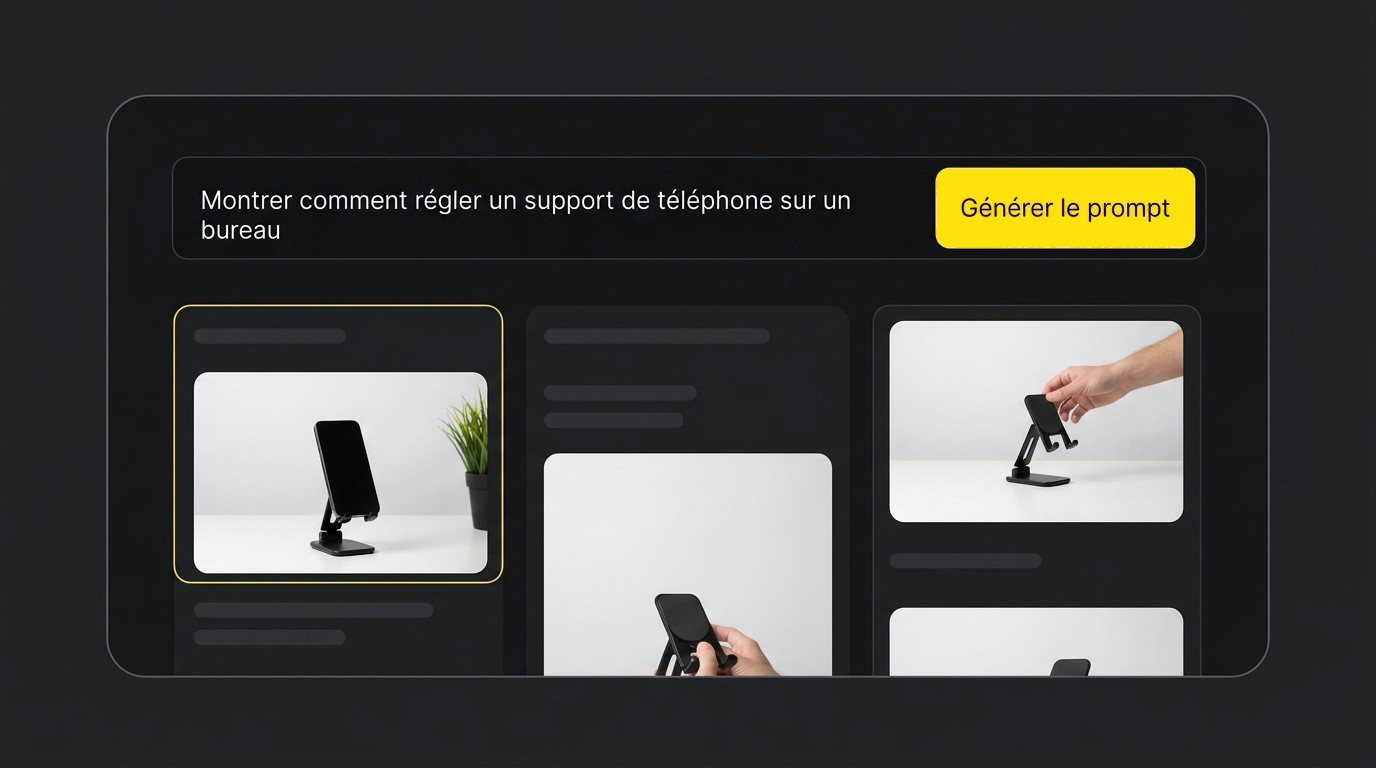
Example: “Show how to adjust a phone stand on a desk.” One sentence is enough: what to show, and where.

Each prompt costs 2 credits, and it's free on the Ultra plan.

Idea “Show how to adjust a phone stand on a desk” and Generate prompt button

Pick your style and format.

Pick the style and format.

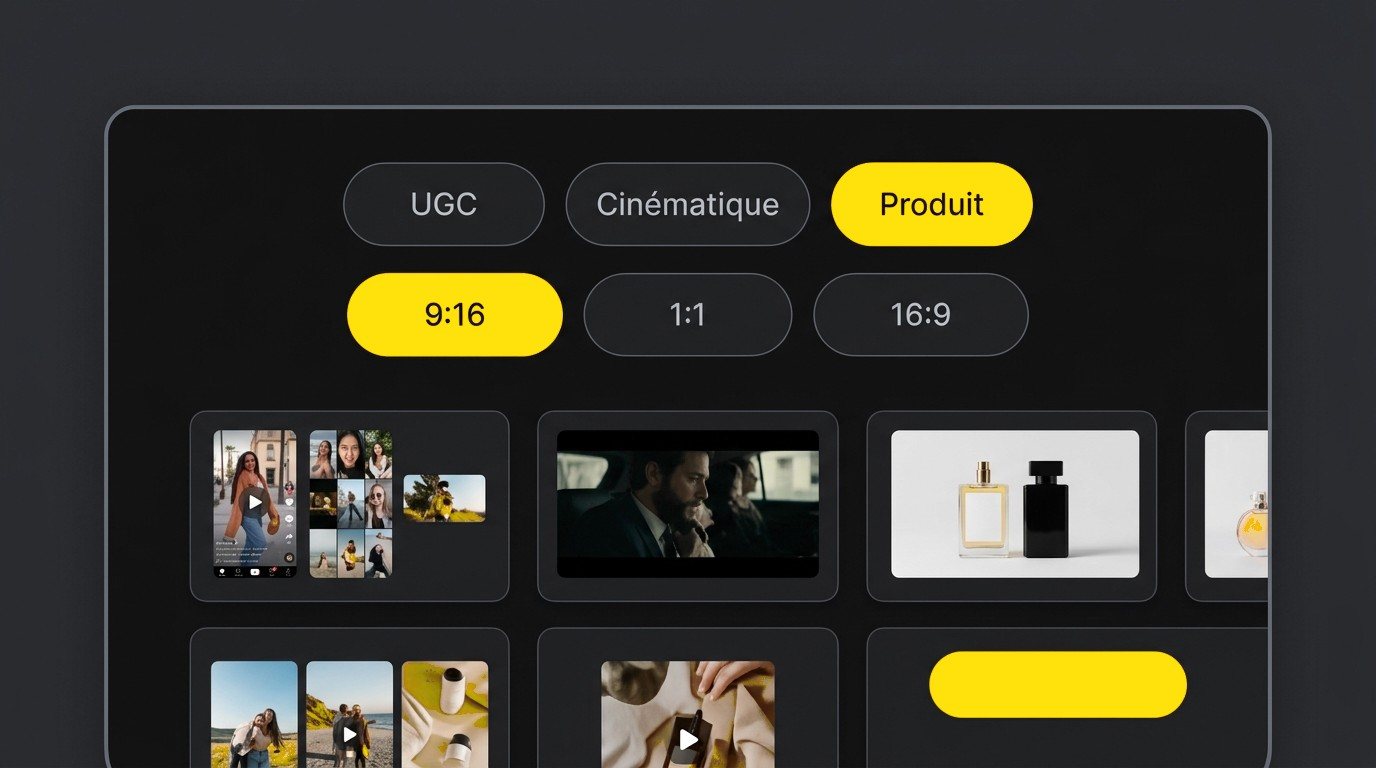
UGC (user-generated content style, as if filmed by a real user), cinematic, or product, in 9:16 for TikTok, 1:1, or 16:9.

Style options (UGC, cinematic, product) and format options (9:16, 1:1, 16:9) in the AI video prompt generator
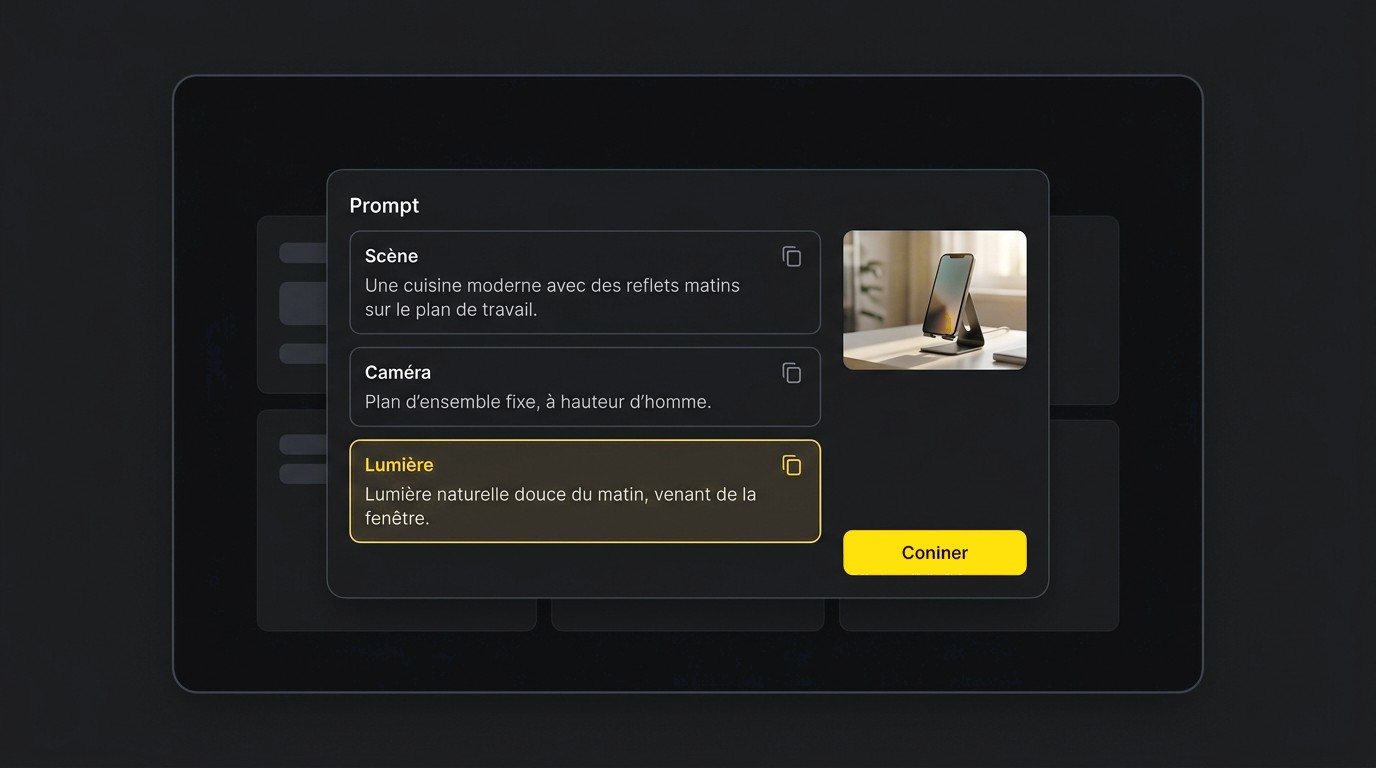
Prompt split into three copyable blocks: kitchen scene, static eye-level camera, morning light

Get a prompt in three blocks.

Get a prompt in three blocks.

Scene: “a modern kitchen, morning light reflecting on the countertop.” Camera: “static shot at eye level.” Copy each block in one click.

Comparison

Writing an AI video prompt with Klonify vs. ChatGPT

ChatGPT writes all kinds of text, video prompts included, and its Free plan lets you try it without paying. It isn't built for TikTok Shop videos: you have to spell out the style, format, and prompt structure in your request. Klonify's prompt generator gives you those as buttons, then you paste the prompt into video generation without switching apps.

Klonify compared to ChatGPT
CriteriaKlonifyChatGPT
Built forAI video instructionsAll kinds of text and questions
What you writeYour idea in one sentenceYour request, with all the useful context
Style and formatUGC, cinematic, or product; 9:16, 1:1, or 16:9, as buttonsYou describe them yourself in your request
OutputScene, camera, and lighting, each in its own copyable blockThe answer in whatever form you ask for
After the promptPasted into the Klonify video generatorCopied into the video tool of your choice
Price2 credits per prompt, plans from €19/monthFree plan; Go €7.99/month; Plus €22.99/month

Who's it for?

ChatGPT is a fit if you already write your own prompts and want an assistant for everything else, with the Free plan to get started. Klonify's video prompt generator is a fit if you start from a simple idea for a TikTok Shop video: style and format as buttons, scene, camera, and lighting written for you, and video generation in the same app.

Comparison compiled on 09/16/2026 from official websites. ChatGPT prices taken from the French App Store.

Comparison

Writing an AI video prompt with Klonify vs. ChatGPT

ChatGPT writes all kinds of text, video prompts included, and its Free plan lets you try it without paying. It isn't built for TikTok Shop videos: you have to spell out the style, format, and prompt structure in your request. Klonify's prompt generator gives you those as buttons, then you paste the prompt into video generation without switching apps.

Klonify compared to ChatGPT
CriteriaKlonifyChatGPT
Built forAI video promptsAny kind of text or question
What you writeYour idea in one sentenceYour request, with all the useful context
Style and formatUGC (user-generated content), cinematic or product; 9:16, 1:1 or 16:9, as buttonsYou describe it yourself in your request
OutputScene, camera and lighting, each in its own block to copyAn answer in whatever form you ask for
After the promptPasted into Klonify's video generatorCopied to the video tool of your choice
Price2 credits per prompt, plans from €19/monthFree plan; Go €7.99/month; Plus €22.99/month

Who's it for?

ChatGPT is a fit if you already write your own prompts and want an assistant for everything else, with the Free plan to get started. Klonify's video prompt generator is a fit if you start from a simple idea for a TikTok Shop video: style and format as buttons, scene, camera, and lighting written for you, and video generation in the same app.

Comparison compiled on 09/16/2026 from official websites. ChatGPT prices taken from the French App Store.

AI video prompt examples for TikTok Shop

AI video prompt examples for TikTok Shop

AI video prompt examples for TikTok Shop

Three product video ideas written in one sentence, with what the prompt needs to lock in for each. The more specific the action and location, the less the AI decides for you.

Three product video ideas, each written in one sentence, plus what the prompt needs to lock in. The more specific the action and setting, the less the AI decides for you.

UGC style: the product in everyday use

Idea: "Someone fills their water bottle before heading to work." The prompt should set the location, the action, and a close-up camera, like a video shot on a phone.

Idea: "Someone fills their water bottle before heading to work." The prompt should set the location, the action, and a close-up camera, like a video shot on a phone.

Cinematic style: the mood around the product

Idea: "Show the water bottle on a desk in the morning." Prompt: light wood desk, bottle in the foreground, slow dolly toward the bottle, soft morning light.

Idea: "Show the water bottle on a desk in the morning." Prompt: light wood desk, bottle in the foreground, slow dolly toward the bottle, soft morning light.

Product style: the move that shows how it works

Idea: "Show how to adjust a phone stand on a desk." Your prompt should spell out the hand, the tilting motion, and a simple background that keeps the stand in view.

Idea: "Show how to adjust a phone stand on a desk." Your prompt should spell out the hand, the tilting motion, and a simple background that keeps the stand in view.

See the details in Klonify.

Get the full details in Klonify.

Find all the details in Klonify.

How it works

From product to TikTok Shop video in 3 steps.

Sign up for free
Step 1: Add the product you want to feature.

STEP 1

Add the product you want to feature.

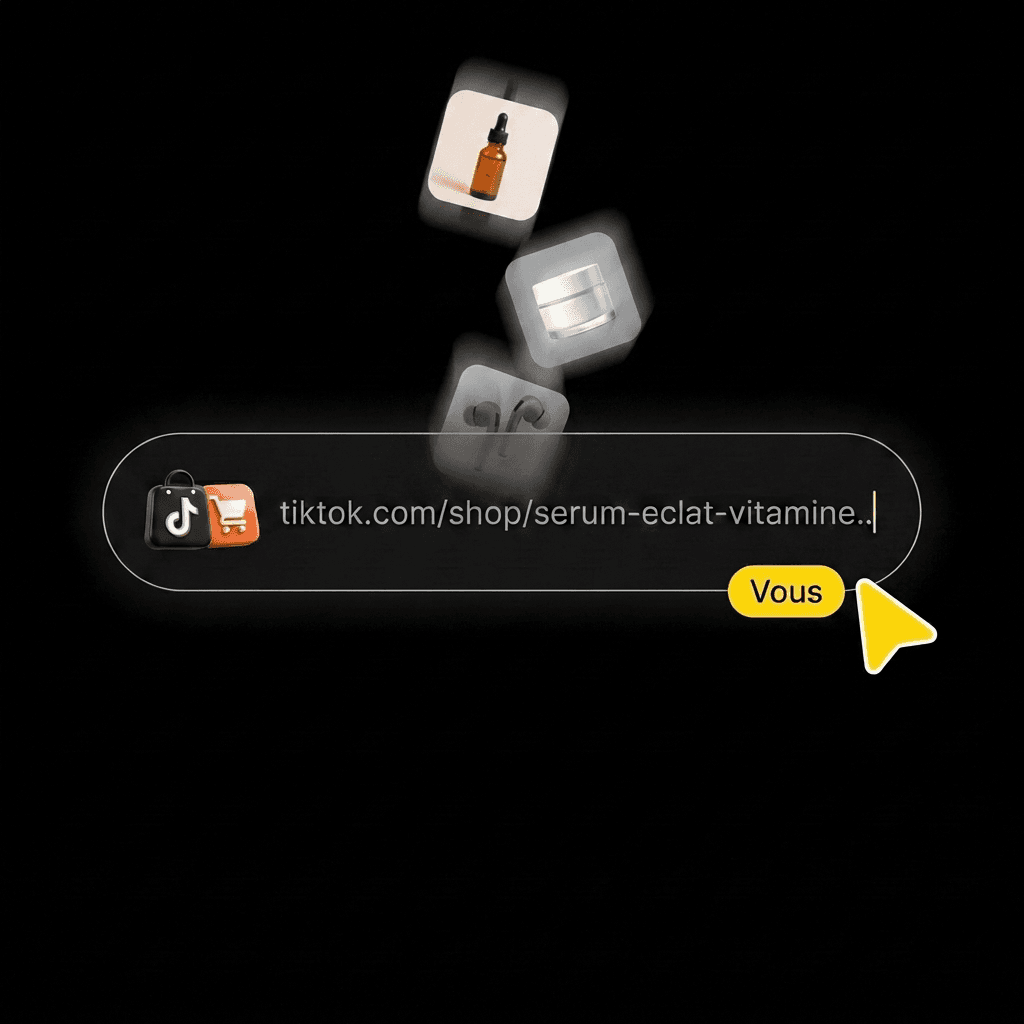
Paste its TikTok Shop link, upload a photo, or pick it from your library.
Step 2: Create your video with AI.

STEP 2

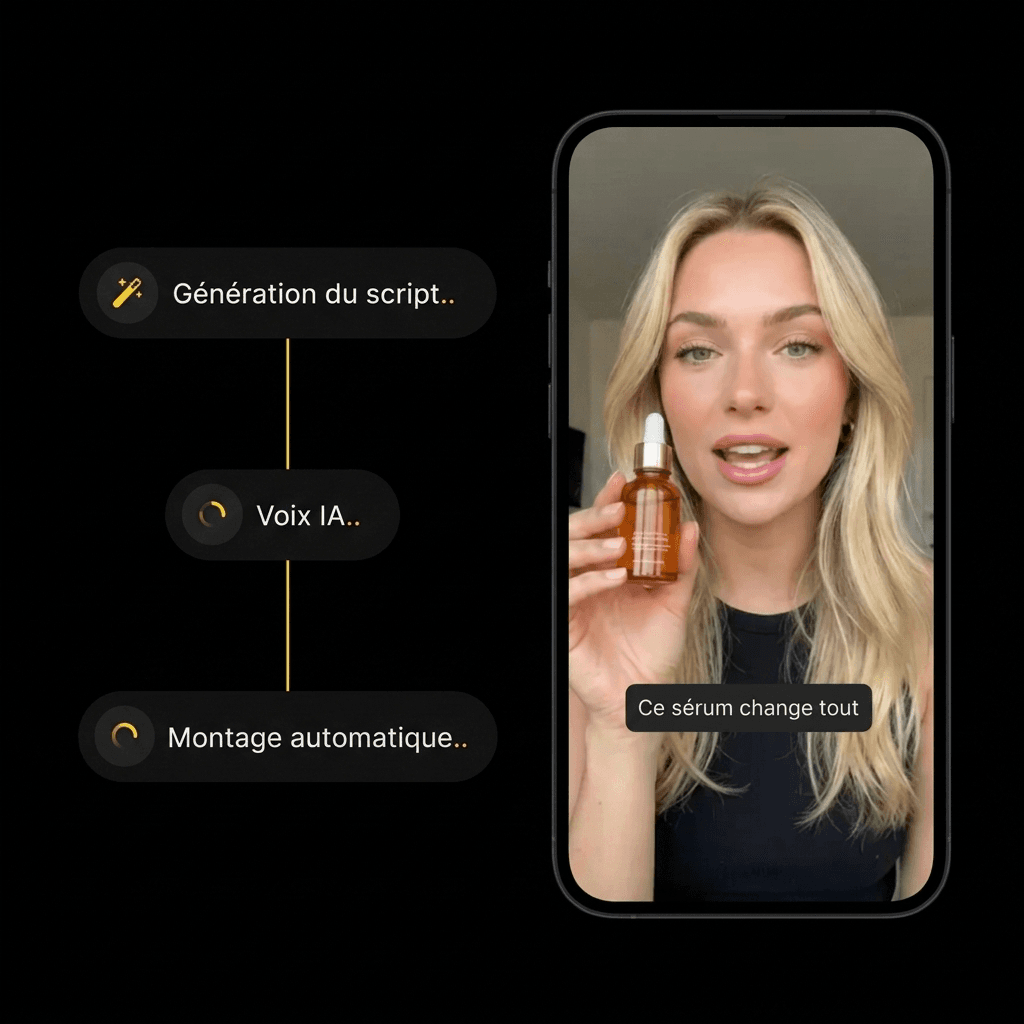
Create your video with AI.

Choose an AI influencer and a scene. Start the generation, then check out the result.
Step 3: Post your video with the product.

STEP 3

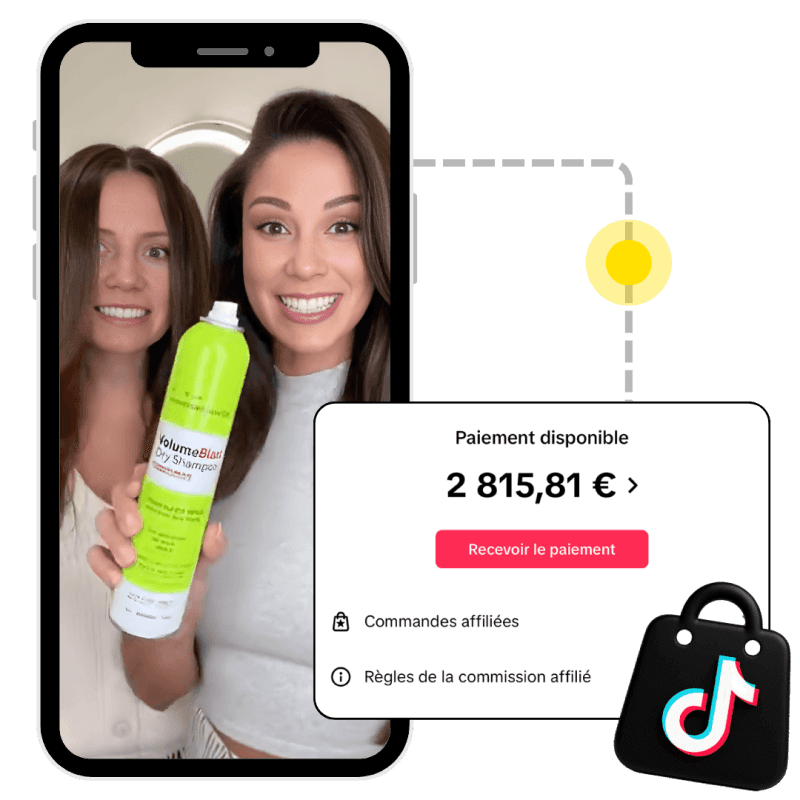
Post your video with the product.

When someone buys the product from your video, the brand pays you a commission.

FAQ

FAQ

FAQ

What it is, how it works, pricing, ChatGPT, TikTok Shop: your answers before you write a prompt.

What is an AI video prompt?

How does Klonify's AI video prompt generator work?

What's the difference between a script and a prompt?

Do I need to know film terms to write a prompt?

What prompt should I write for a TikTok Shop video?

Does the prompt generator make the video?

Can I use ChatGPT to write a video prompt?

Why write a detailed video prompt?

Get the full details in Klonify.

Get the full details in Klonify.

Find all the details in Klonify.

Plan your video

Plan your video

Get your video ready

AI TikTok Shop Script Generator

Explore →

AI Image Generator

Explore →

AI TikTok Video Cloning

Explore →

Get the full details in Klonify.

Get the full details in Klonify.

Find all the details in Klonify.

The Klonify solution

Say it in your own words. The video AI knows what to film.

The prompt generator adds the setting, camera and lighting to your sentence. Then you paste the prompt into Klonify's video generator.

Sign up free

Free sign-up

2,700+Active creators
€2M+In sales generated on TikTok Shop
5 minFor a video ready to post